New Update 📢 Listen to & Download 10,000+ Podcasts for Free with TunePat Music One. Start Now!
TunePat - Ultimate YouTube to MP3 & Playlist Converter

YouTube Music Converter

  • Convert YouTube Music to MP3, AAC, WAV, or FLAC for any device.
  • Download YouTube Music without ads, even with a Free account.
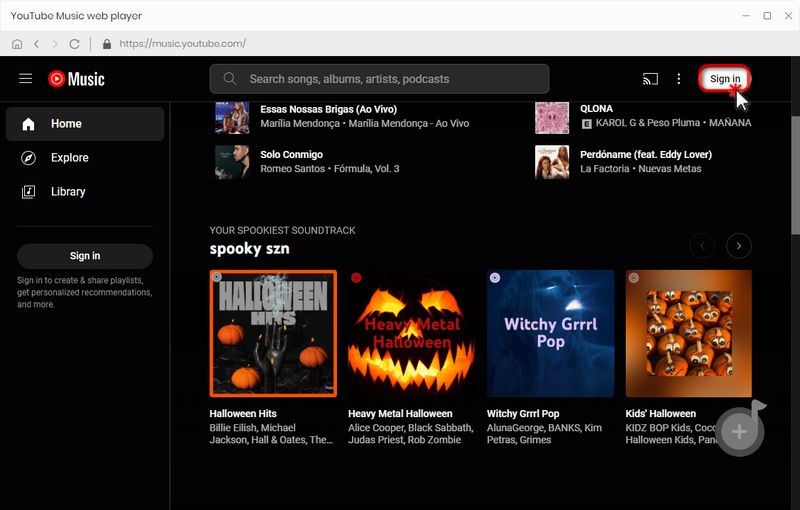
  • 10X faster batch conversion via a built-in YouTube Music web player.
  • Preserve original audio quality, ID3 tags, and TXT lyrics.
  • Bonus: Extract official YouTube Music videos in up to 4K.
  • Free Toolbox: CD Burner, ID3 Tag Editor, and Audio Converter included.

*NOTE: TunePat is a home edition and it's only for personal use.
TunePat YouTube Music Converter for Win
TunePat YouTube Music Converter for mac
wave

Awesome Features

Download YouTube Music for offline listening
Download YouTube Music & MV Locally
coovert youtube music to mp3
Multiple Output Formats
download youtube at 10x speed
10x Conversion Speed
Keep ID3 Tags of youtube music
Preserve ID3 Tags
get 320 kbps mp3 youtube music
Lossless Audio Quality
circle
Download YouTube Music and MV to Computer
Save YouTube Music Contents to Computer

Download YouTube Music Songs, Albums, and Videos

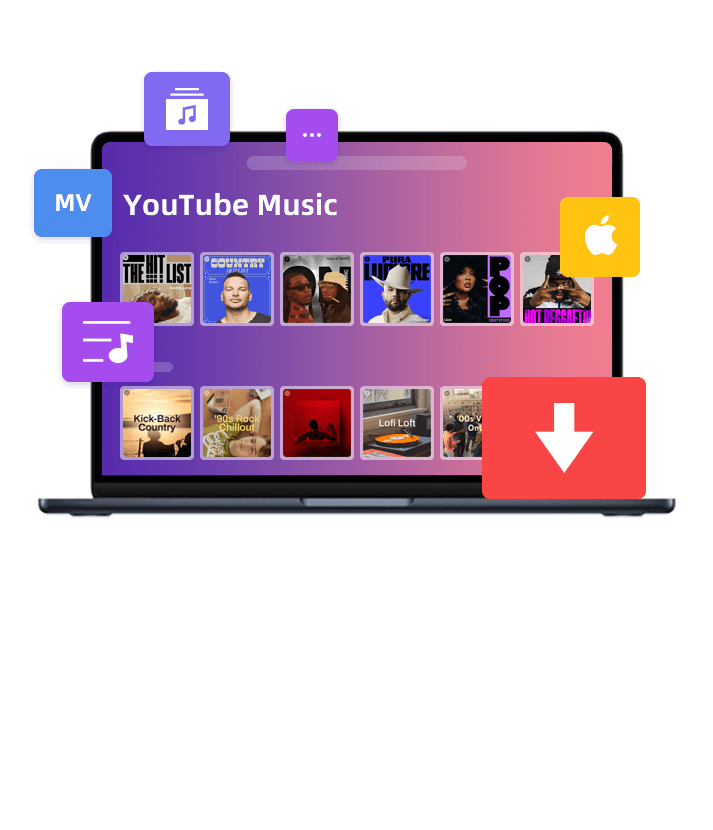
TunePat YouTube Music Converter allows you to grab more than just tracks. You can download albums, playlists, radio, and music videos from YouTube Music directly to your computer. These files are saved permanently on your hard drive, meaning you can keep your favorite music even if your YouTube Music subscription expires or you decide to cancel it.

  • Full Content Support: Download YouTube Music songs, albums, playlists, radio, and even MVs.
  • Ad-Free Downloads: Enjoy YouTube Music without any ad interruptions, even with a free account.
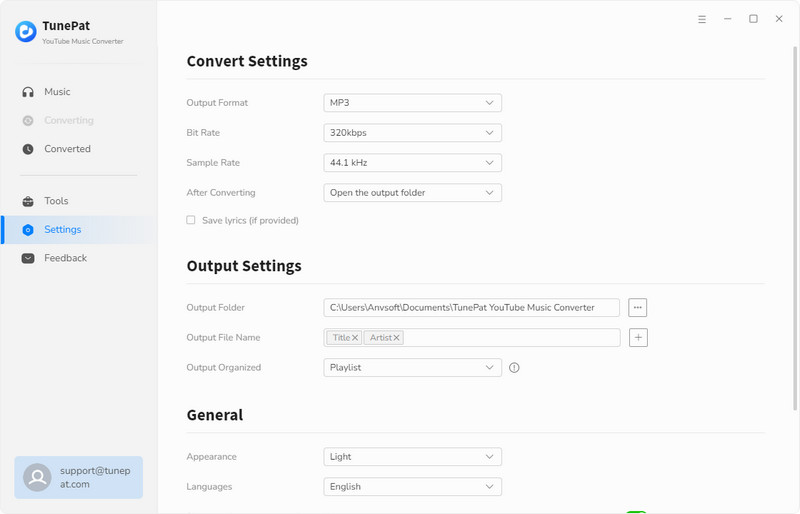
  • High Quality: Save YouTube Music songs in up to 320 kbps.
lines bubble
Multiple Output Formats

Convert YouTube Music to Any Common Format

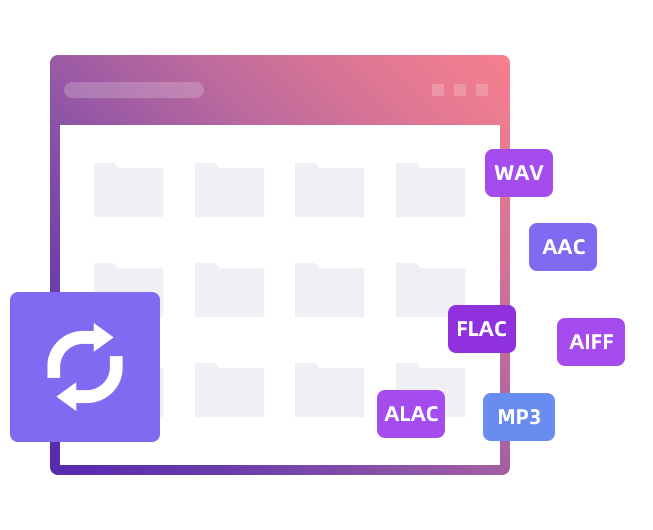
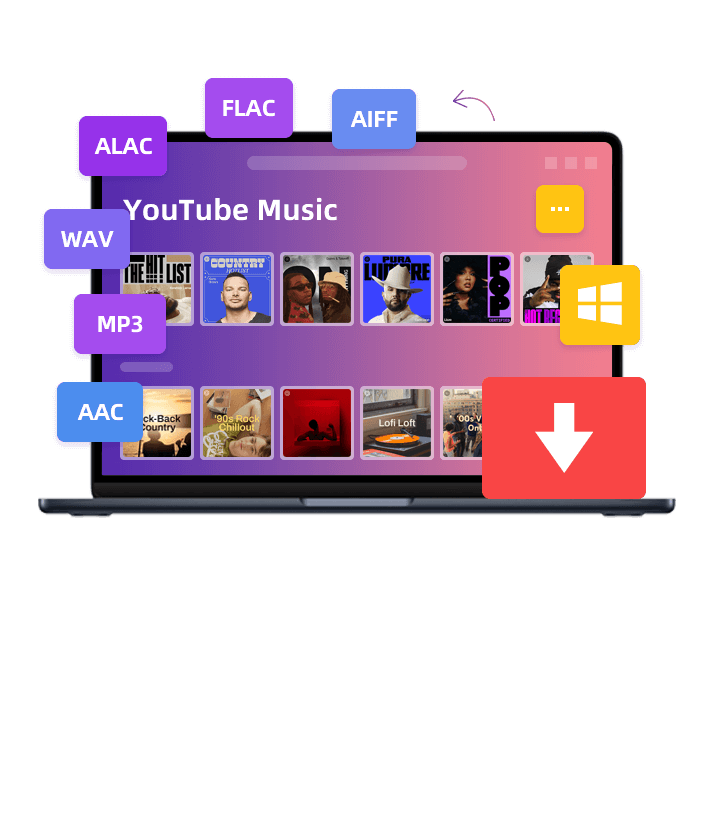
Different software and audio editors require different file types. TunePat allows you to convert YouTube Music to MP3, AAC, FLAC, WAV, AIFF, or ALAC. This ensures your downloaded files are compatible with any professional audio player or editing tool on your PC or Mac.

To help you stay organized, we've included a smart playlist index option. This feature automatically numbers your songs according to their original order in the YouTube Music playlist. It saves you from the frustration of a messy folder and keeps your local library as structured as it is online.

Convert YouTube Music to Multiple Formats
bubble2
Retain ID3 Tags
Retain ID3 Tags & Lyrics

Preserve 320kbps Quality, ID3 Tags, and Lyrics

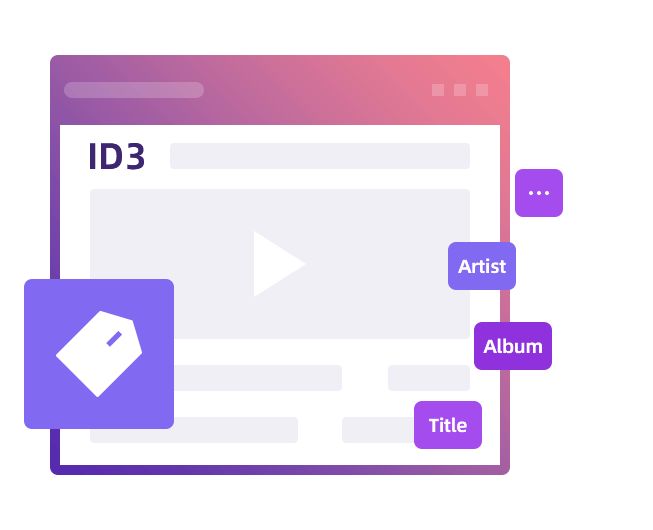
Managing a large music library can be a headache if files are missing information. TunePat automatically identifies and preserves YouTube Music metadata, including the title name, artist name, album name, cover art, year, etc.

Furthermore, TunePat ensures you get the best possible sound by keeping 320kbps quality during conversion. You can also extract lyrics and save them as universal .txt files. This is perfect for users who want to learn a new language or create a personal digital songbook that looks and sounds professional.

bubble
10X Faster Speed & Batch Conversion

Batch Convert YouTube Music at 10X Speed

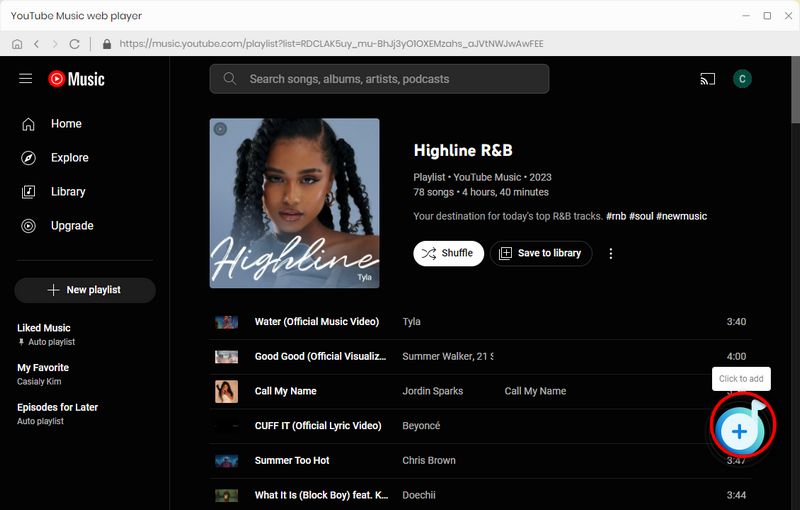
Downloading a massive YouTube Music collection shouldn't be a day-long task. With our advanced decoding technology, you can add dozens of YouTube Music playlists to the conversion list and process them all at once, rather than downloading songs one by one.

TunePat supports up to 10X speed, which means a three-minute YouTube Music track takes only about 10 seconds to finish. You can start the batch process and let the software do the work while you get other things done. It is a much faster and simpler way to build your offline music library.

Convert YouTube Music at Faster Speed
bubble2
Enjoy YouTube Music in Multiple Scenes
Enjoy YouTube Music Anytime

Play YouTube Music Offline Without Boundaries

While streaming is convenient, it fails during long flights or road trips. If you travel to regions where YouTube Music is unavailable, downloading tracks locally is the best solution. This allows you to listen anywhere without worrying about data usage or internet stability.

You can put your converted YouTube Music on a USB for your car, or sync them to your smartwatch for a phone-free workout. Whether you are commuting in the subway or camping in the mountains, your soundtrack is always available, completely independent of the YouTube Music app.

bubble
top-wave

Other Awesome Features

TunePat YouTube Music Converter surpasses many competitors with its outstanding and practical features.

convert format of local audio files
Audio Converter

Convert local MP3, M4A, M4B, WAV, OGG, FLAC, AIFF, and M4R files.

block ads for youtube free users
YouTube Ad Filter

Filters out annoying ads for YouTube Music Free users.

get youtube music lyrics
Smart Folder Archive

Organize converted music by artist, album, playlists, etc.

burn youtube music to cd
1-Click CD Burning

Freely burn converted music or local music to CD.

sync youtube music to iTunes
iTunes Sync in Click

Support direct syncing of YouTube Music playlists to iTunes.

TunePat support multile languages
Multilingual Support

The program boasts extensive support for over 48 languages.

clear cache
Cache Clearing

Swiftly resolves minor issues with its integrated cache-clearing option.

TunePat professional support team
24/7 Support

Provide round-the-clock support for your inquiries and concerns.

Trusted by Users Around The World

star star star star star
I downloaded the free trial version of this software. It was really a surprise hit. The conversion process is simple to finish. Now I've become a member of this YouTube music converter. Really love it!
user

Accountant

Daniel Jaco
star star star star star
I want to download my YouTube playlists and save them on my PSP. I happened to find this tool and it works perfectly! It's a lifesaver for me. I will recommend it to my family and colleagues.
user

Cashier

Bruce Charles
star star star star star
I am very satisfied with this program, especially since its interface is very intuitive and simple. This makes it easy for someone like me who is not very computer savvy to use. Highly recommend it!

user

Writer

Landon Brown
Frequently Asked Question

Have Any Questions?

Yes. TunePat is designed to preserve the highest audio quality available on YouTube Music. By selecting the output format as MP3 (320kbps), you can enjoy the same sound as the original tracks.

No, a Premium subscription is not required. TunePat YouTube Music Converter works perfectly with both Free and Premium accounts, allowing you to download music, albums, and playlists for offline listening.

Absolutely. Once converted, your tracks become standard files on your computer. You can move them to an MP3 player, USB drive, or smartwatch and play them using any local media player without needing the official app.

Absolutely. TunePat supports one-click batch downloading. Just open a playlist or album, and the software will automatically parse all the tracks, allowing you to download hundreds of songs in one go at 10X speed.

Yes. TunePat is 100% clean and safe, containing no viruses or bundled software. It is intended for personal use to backup your music library. Please respect the copyright of the music and do not use it for commercial purposes.

Unlike the offline cache in the official app, the songs downloaded via TunePat are saved as permanent local files. They will remain playable on your device forever, even after your YouTube Music subscription expires.

Yes. We constantly update TunePat to ensure full compatibility with the latest operating systems, including Windows 11 and macOS 15 Sequoia (including M1/M2/M3 chips). You can always download the latest version from our website to ensure smooth performance on your computer.

Yes. For both subscription and lifetime license users, we provide timely and free updates to ensure the software stays compatible with any changes in YouTube Music.
If you encounter any issues, we recommend checking our FAQ page first for quick solutions. If you still need help, feel free to contact our support team via email (support@tunepat.com).